Nx Witness User Manual
Key Concepts
•Audio only devices (speakers, microphones, intercoms) can be arranged on a layout similar to other items.
•Each audio item provides a steams that can simultaneously be played from a layout.
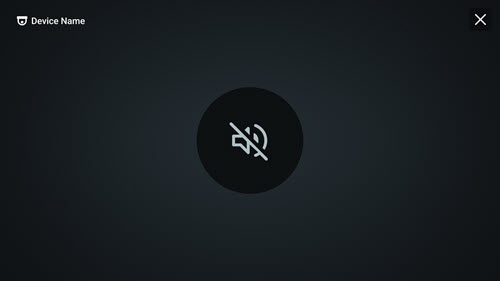
•The icon for an audio only devices is a speaker.
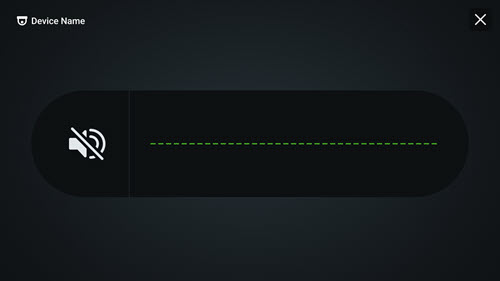
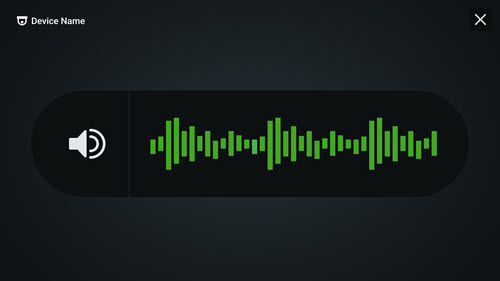
•The audio speaker icon includes a visualizer when active and reverts to simple icon when disabled
•Local workstation settings for volume and available speakers will impact playback options.
|
Audio Device Muted
|
|
Audio Device Active – No Sound
|
|
Audio Device Active – Sound Received |
Related Topics