Nx Witness User Manual
To Delete a Layout from the Resource Panel
•Find and select the Layout to delete, or use shift+click to select multiple Layouts in the Resource Panel.
•Invoke the context menu and choose Delete (or use the Del button on a keyboard).
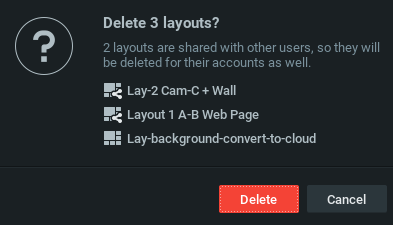
•If the layout is shared, click Delete again in the confirmation dialog.
•The layout will be deleted from all Clients and Users in the Site.
•Locked Layouts cannot be deleted.